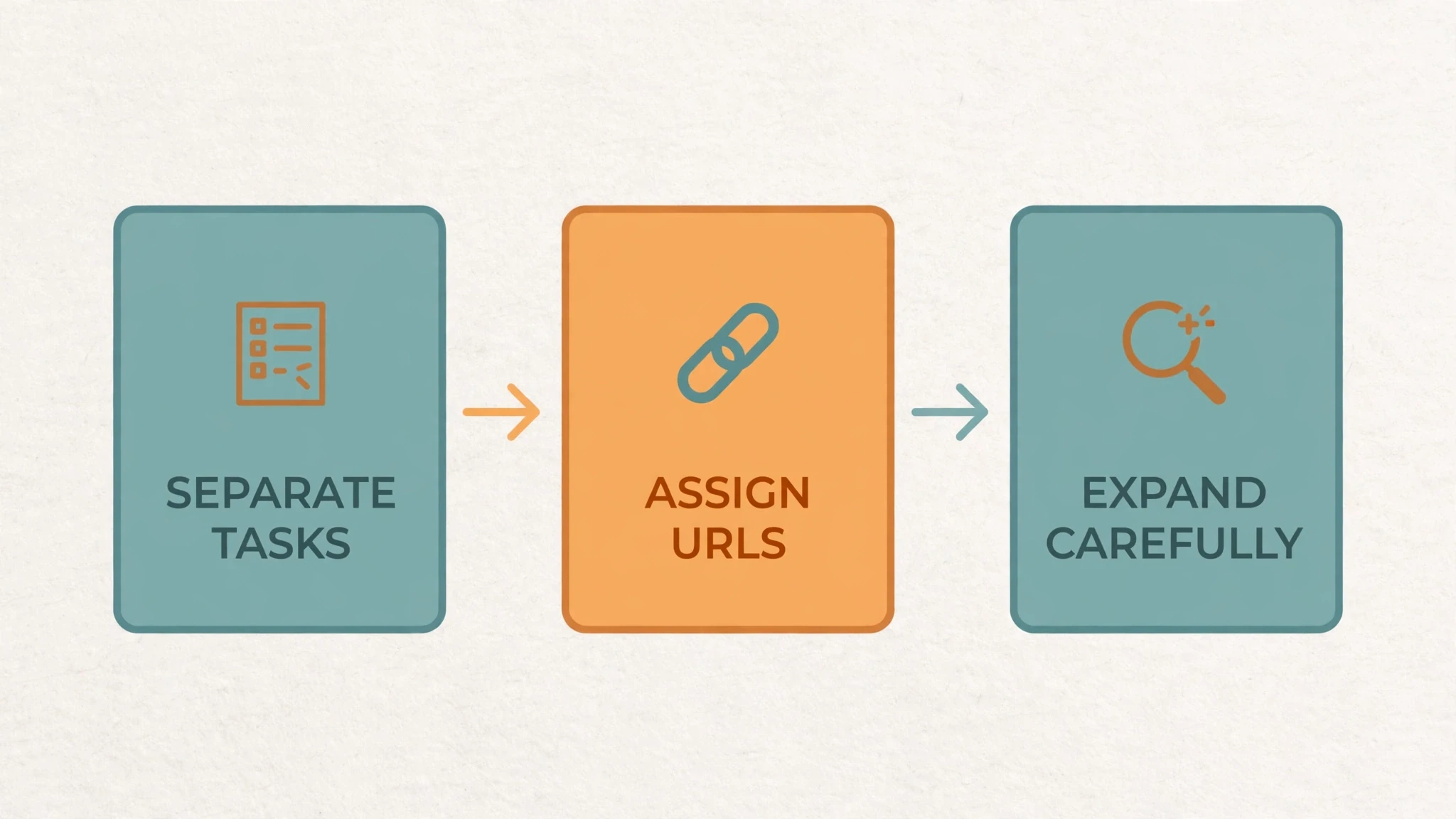
A keyword table is not a website yet. It is a pile of phrases, and phrases alone do not tell you what to build, where each thing should live, or what the homepage should promise. The work in between is site structure: separate the tasks, assign addresses, and expand without breaking what already works.
That order matters. If you pick a domain first and figure out the tasks later, you end up with a name that fits one phrase and a homepage trying to be five products at once. If you build site pages first and think about site structure later, synonyms get their own thin site pages, tools hide where nobody can find them, and every new feature becomes an argument about the homepage. Do the tasks first, and the addresses mostly decide themselves.
Which site address should serve a need?
Once you have chosen a task, give it an address users can find. Before comparing options, state three things clearly: what users come to do, what you can actually deliver, and how the task relates to any site you already run. Those answers are the basis for choosing between a separate domain, a subdomain, a directory, or one inner site page. The address forms only organise the product. Building the pages, maintaining the site content, and promoting them still take work in every case.
| Location | Example | What it signals |
|---|---|---|
| Independent domain | example.com | A product or brand that can be explained, operated, and maintained on its own. |
| Subdomain | dictionary.example.com | A separate function or thematic site with its own homepage, navigation, and page tree. |
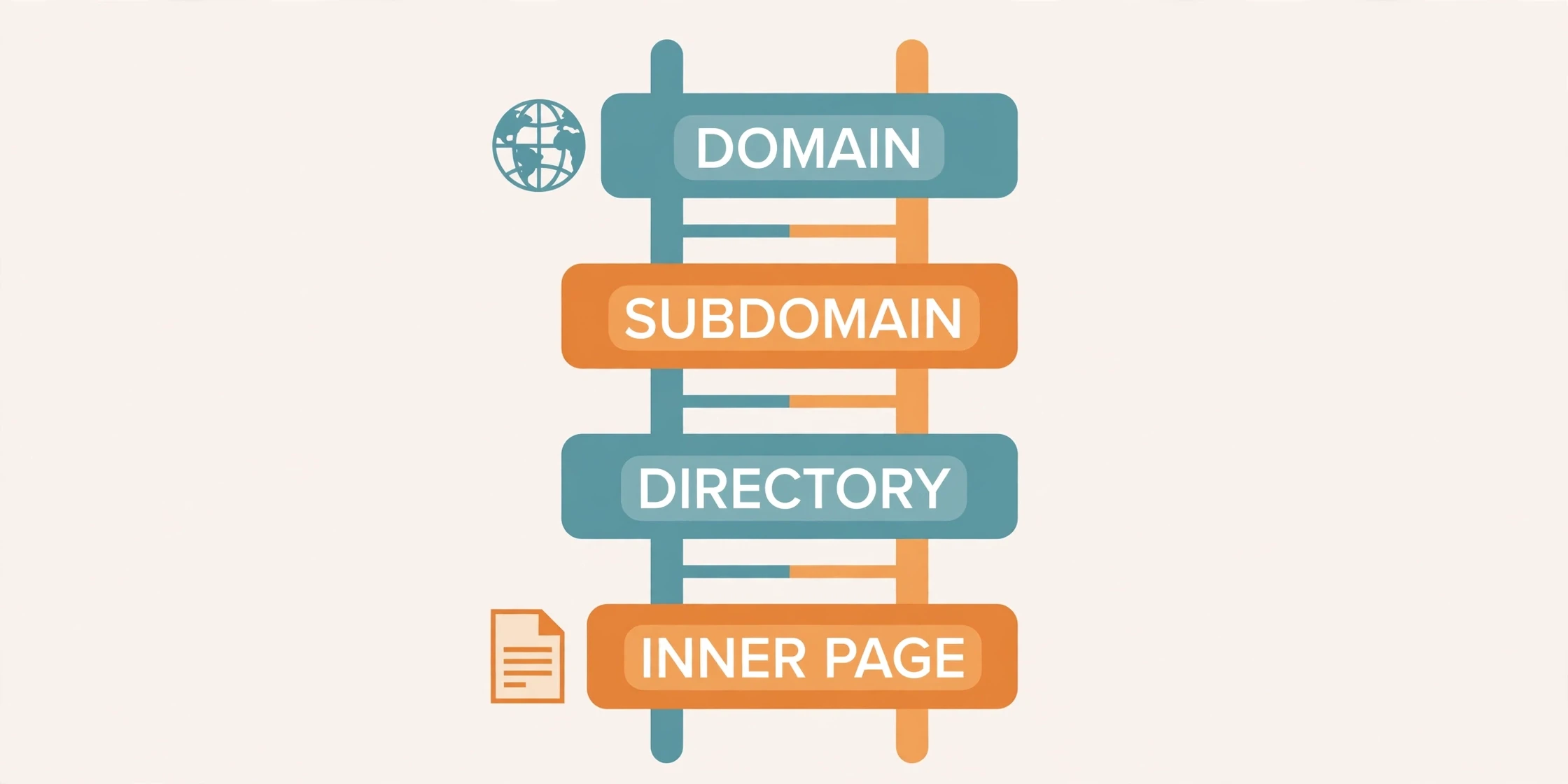
| Subdirectory | example.com/dictionary/ | Related pages sharing the site’s main brand, navigation, and site maintenance. |
| Individual inner page | example.com/dictionary/word/ | One specific phrase, tool, case, or question with one clear task. |
Start with the main entry point. Technically, www is also a subdomain, but in everyday site building the bare domain and the www version are usually treated as two candidates for the main address. Pick one stable version, redirect the other to it permanently, and use the same version in internal links, sitemaps, and canonical addresses. Either site choice can work. What breaks things is letting both versions float around.
Then think about how site pages relate. Directories can nest, like /a/a1/, to show subordinate site content inside a group. Subdomains sit side by side, like a.example.com and b.example.com, more like parallel subsites. That distinction is about organisation, not power. Changing the address alone does not improve rankings. Judge a location by the task it serves, not by a belief that one form outranks another.
A Chinese-language reference site shows the pattern clearly. Its main entry covers the whole reference collection, while idioms, the character dictionary, and the word dictionary each live on their own subdomain. All three belong to the same field, but each site lookup task can be used on its own, so each gets its own entry point and content. Inside the idiom subsite, pages organise further by character, by topic such as zodiac animals or seasons, and by individual idiom. At each deeper level the user’s question gets more specific, and the page answers more precisely. When you plan your own site, trace that same path: the homepage explains what can be looked up, site collection pages help users pick a target, and individual pages give the explanation, examples, and related entry points. Path names can vary, but each level needs a clear role.
Now the same idea, much bigger. A large fan-community platform drew roughly 780 million monthly visits in the archived figures. One community about a fantasy book series drew about 6.6 million. One about an anime series, about 8.3 million. Apply a roughly 79% organic-search share and you get about 5.2 million and 6.55 million search-driven visits. Rough figures — the channel shares were desktop-only. The real question is what keeps people coming back to a topic subsite. A complete content system. Not just a name. And before you copy the site structure, check three things: the topic has enough related needs, users actually want to keep browsing inside it, and you can maintain it over time. With only a few thin pieces of site content, a directory on the existing site is usually the easier choice. A new subsite still needs its own usable site content and entry points. The platform’s total traffic does not transfer to it.

A domain should say what the site task is
After deciding how site pages organise, consider how the domain expresses their purpose. Take a phone-number generator as an example. Before checking whether any domain is available, clarify the site task: do users want generated numbers for testing, or temporary numbers that can receive text messages? The same phrase can hide entirely different functions. Only once you know what you will deliver can you judge whether a domain fits. Even an available domain does not prove the site task is worth the investment.
Put candidates in one table and compare spelling clarity, ease of saying and sharing, site task fit, room for future scope, and site maintenance cost. Including a keyword can help people grasp the purpose at once. A brand name can also gain recognition gradually through the product and its promotion. The search engine’s own ranking documentation explains that it avoids giving excessive ranking credit simply for an exact-match domain. Once the domain communicates clearly, the product, site content, and links still have to do the work.
Sometimes two directions of one conversion are two products, not one. A converter that turns vector graphics into images and a converter that turns images into vector graphics look like mirror images, but their inputs, outputs, and quality problems need separate handling. One focused homepage per site task lets users begin immediately, with the title and description centred on a clear job. That does not force you to buy two domains: under one image-tool brand, the two converters can live as two inner site pages. The reverse mistake is just as common — treating near-synonyms as separate sites. Changing one word in the name does not justify a separate site for each variation.
Count the ongoing cost before deciding. Separate sites mean two sets of site maintenance across publishing, analytics, content, links, and users. Inner pages on one site can share some management, but each page still has to complete its own distinct task. At any level, templates that change only the title wording while delivering the same thing do not solve duplication.
Watch out for one chart that floats around this area: consistent site quality content 21%, titles 15%, backlinks 14%, niche expertise 14%. That’s a third-party guess, not the search engine’s published weighting. A title change doesn’t do 15% of the work. Serve real related needs, explain each page properly, and build relevant site pages and working links.
One site counting tool, two expressions, and what age really proves
A historical case shows why site task boundaries beat wording. Two near-synonymous queries — a phrase for counting words and a phrase for the count itself — returned mostly the same tools in both result sets. The same site counting tools recurred at the top of each. That overlap supports a structural judgment first: one tool can serve both expressions, so two nearly identical site counting pages are unnecessary. A domain or title does not need to match every version of a user’s wording exactly.
Next, separate site domain registration from product launch, because in this case they told different stories:
| Tool | Domain registered | First launch recorded | What it shows |
|---|---|---|---|
| The leading site counting tool | 2008-01-10 | 2008-09-15 | The product began accumulating users and content earlier. |
| A newer rival | 2016-12-05 | 2017-05-27 | Site registration and launch are different dates. |
| The earliest-registered domain | 1999-01-11 | 2011-11-02 | The earliest domain did not launch the tool earliest. |
| A late rival | 2016-08-19 | 2017-02-15 | Judge post-launch functions, content, and promotion together. |
The earliest-registered domain was not the first to offer the site tool. Domain age and product age are different things, and neither alone explains the outcome.
Then the site trend data. In the most recent twelve months shown, “counter” usually ran higher — except July and August. Stretch back to 2008 and the picture flips: “count” led until September 2020, then “counter” took over. A short chart would have missed the flip entirely. The author guessed the leading site tool’s brand pushed the “counter” wording. Maybe. The trend alone can’t tell brand promotion apart from changing language habits or plain site growth in tool use. So note the flip, and keep the explanation marked as a guess.
Traffic tells the same story. In September 2023 the leading tool had about 7.628 million visits: roughly 54.16% organic search, 44.99% direct. Site research has to look past search. And direct site traffic includes bookmarks and unidentified sources — don’t read it as a count of returning users.
So what does the case actually say? Four things. Same site task, so no duplicate pages. An early site launch buys time to build up value — but domain age and site launch date are different things. A brand can shape how people phrase queries. That’s still a guess. And product use plus outside recommendations need steady work. None of it comes down to grabbing the oldest keyword domain.
Collect broadly, then clean, measure, and group
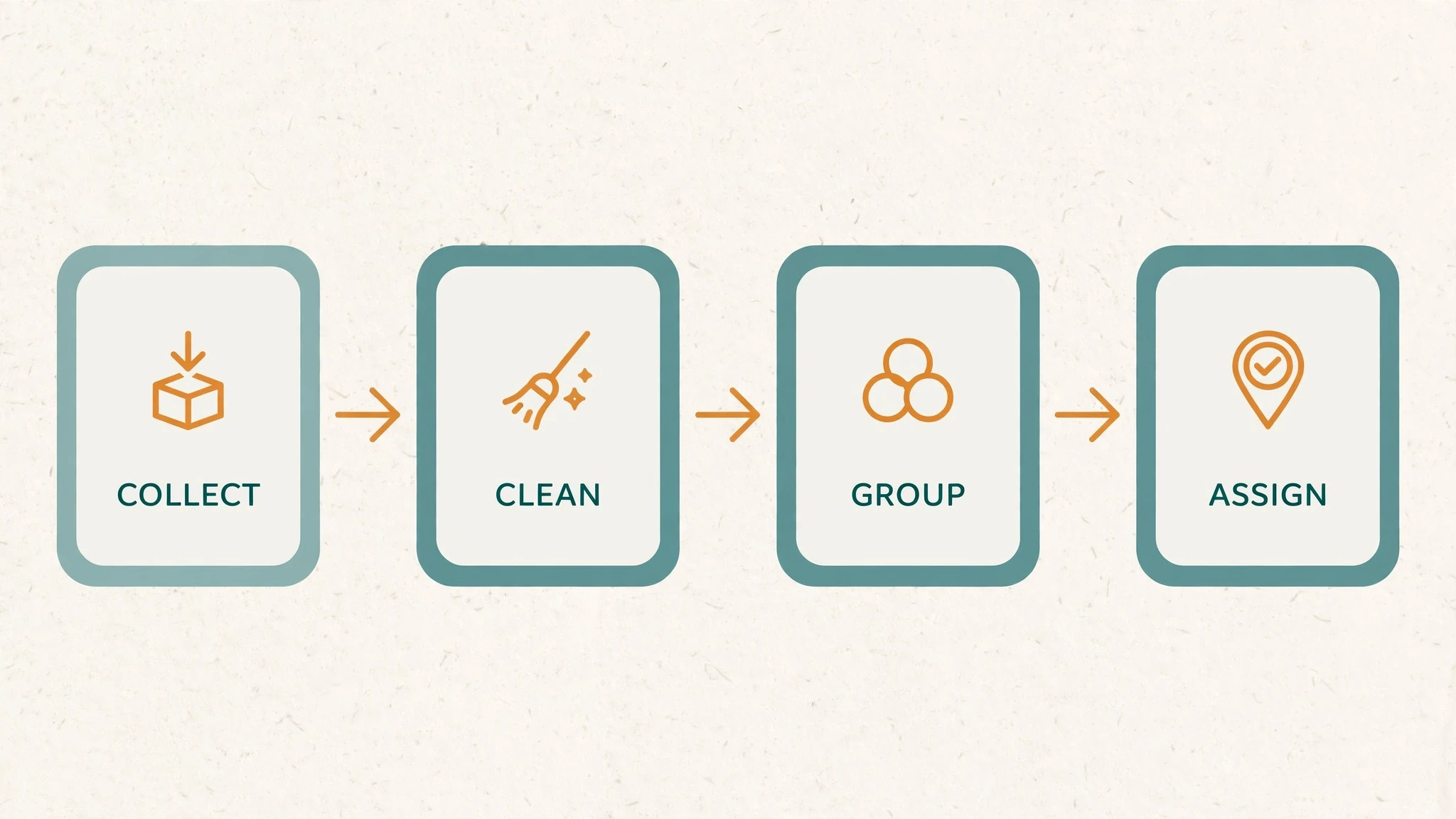
With the historical cases in mind, apply the method to a new site. Take an AI photo tool as the example: photo generation, old-photo restoration, sharpening, upscaling, anime-style conversion, and avatar creation may each be tasks users come to perform independently. A broad term defines the field. Organising site pages starts from those specific actions.
Begin with seed terms and the synonymous site expressions users actually use. Starting from one seed, try related words, letters, spaces, and site task modifiers in the search engine’s suggestions. Record expressions that actually appear, keeping how users describe the problem instead of inventing a keyword table yourself.
Add clues from other entry points. A site trends tool reveals changes over time; traffic and keyword tools help you examine existing sites and landing pages; the ads platform’s site keyword tools can expand related expressions. Suggestions on video and social platforms may reveal different usage contexts. Record those contexts first, without presenting platform popularity as search volume.
After collecting, check volume with consistent region, language, and time definitions, and record the site tool, the date, and the units. In the ads platform, one function expands new terms while another examines terms you have already listed. Interfaces and site data precision can change, so keep records of your process too.
Then clean the list against what you can actually deliver. If the site photo tool does not support video, social-account lookups, or celebrity information, remove those terms or queue them for evaluation. High volume cannot justify a site launch promise for an unsupported feature. Finally, group by task: put synonymous expressions in the same page group, and consider another address only when the input, output, or independent purpose truly differs. Volume helps prioritise tasks. Intent still draws their site boundaries.

One easy mistake inflates totals during volume checks. In one screenshot, a singular and a plural form of the same expression both showed 368,000. Close variants may share the same or grouped data, so adding them to reach 736,000 risks counting the same demand twice. Check the tool’s definitions first and validate against site query data from an existing site page where you can. Quoted phrases and matching behaviour in a site trends tool give no exact query counts.
Give every row in the table the fields that make it checkable later:
| Required field | Purpose | How to write it |
|---|---|---|
| Keyword / synonym group | Preserve actual user expressions | Do not keep only rewritten category names. |
| Volume / source / definition / date | Compare scale and currency | For example: tool, region, last 12 months; unknowns stay unverified. |
| Intent / input / output | Identify site task boundaries | Upload an old photo → download a restored one differs from text → new image. |
| Page type / proposed URL | Turn phrases into publishable site pages | Tool, collection, or tutorial; avoid synonym duplicates. |
| Deliverable site functionality | Keep promises within capability | Supported, needs development, or deferred, with actual limits. |
| Main phrase / priority / notes | Set order and site maintenance needs | Competition, examples, costs, missing evidence, next steps. |
Turn the table into site addresses, by intent
Only after the keyword table is complete should you turn site tasks into a list of addresses. Following the distinction among generation, restoration, styles, and specific uses — and separating upscaling, because its input and output differ — the example below shows how inputs and outputs decide pages. It’s a site teaching example. Bring your own volumes and priorities.
| Task group | Input → output | Example URL | What the page must deliver |
|---|---|---|---|
| Generation | Text / reference image → new image | /text-to-image/ | Input, parameters, working generation, examples, download. |
| Restoration | Old photo → restored version | /old-photo-restoration/ | Upload, before/after site comparison, limits, processing, download. |
| Upscaling | Low-resolution photo → larger image | /image-upscaler/ | Size options, site detail examples, output specifications. |
| Style | Photo → anime / cartoon | /photo-to-anime/ | Style-specific controls and examples; separate site cartoon pages only for distinct results. |
| Purpose | Portrait → professional headshot | /professional-headshot/ | Appropriate background, clothes, and context; no unsupported capability. |
Then connect the pages into site paths users can follow. The homepage introduces the core value and links to the main tools. When there are enough tasks to require a choice, site category pages help users compare. Site Tool pages complete specific tasks directly. Blog posts explain operations, choices, and limits, then link back to the right tools. Add levels only as needed. If the first release has only a few tools, direct links from the homepage are enough. Empty site category pages just add a step with no content.
You can ask a site AI tool to help draft the site structure from the cleaned table, but constrain it. Supply validated terms, measurement definitions, existing features, and limitations, and ask why groups were combined or separated, so each group traces back to the original table. A usable prompt states the boundaries: group by actual task first; merge synonyms and singular/plural variants by default; split distinct inputs, outputs, or purposes; give each group a primary keyword, site page purpose and type, proposed address, functionality, site body content, internal links, and release priority; preserve original volumes and sources without adding possibly grouped variants; invent neither data nor unavailable tools; and list uncertain groups needing manual review of real site result pages.
After receiving the site plan, open real results for each group and establish whether users want an operable tool, a collection of options, or an explanation. If leading site pages let users act immediately while you have prepared only an article, reconsider what the page delivers. The initial release can contain 5–10 site pages you can fully deliver and maintain. That’s a starting range. What matters more: every page completes its task. Not the page count.
Four structural mistakes show up again and again: focusing on one site flagship task and missing restoration and upscaling; thin site synonym pages; articles standing in for required tools; and published pages with no internal entry links. Fix those before the address list goes to development.
Protect the original site task before adding anything new
Once the original site pages start gaining rankings and traffic, structural questions come back. Suppose a keyword-focused site considers adding a popular new feature. First, follow the original user’s path: they came for a game, a conversion, or a generator. Can they still begin immediately after the new feature is added? Decide its location by its relationship to the old site task, and watch whether it changes what the homepage promises.
| Relationship to the existing task | Approach | Risk to check |
|---|---|---|
| An option or light variation of the same task | Add parameters, explanation, or examples to the current page. | Can users still start the core action immediately? |
| Related, but a distinct result and intent | Create an inner page with its own title, heading, body, and links both ways. | Is this only a new title over essentially identical site content? |
| A separate complete business | Assess a separate subsite or site, verifying demand and maintenance first. | Would chasing the trend undermine established pages and user expectations? |
| An unrelated trend | Keep it out of the main site for now. | Is there a real deliverable, or just a wish to borrow existing traffic? |
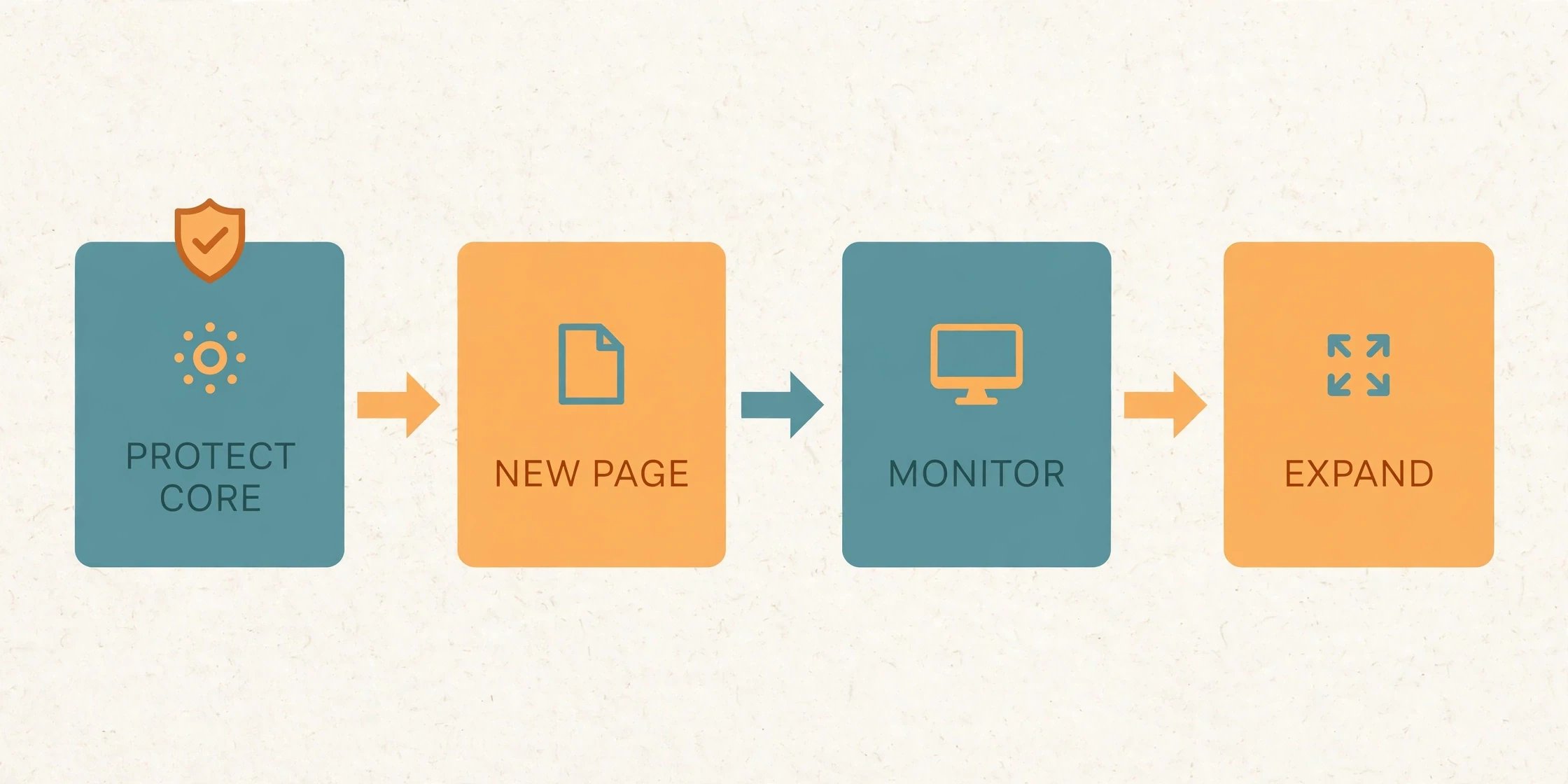
If the original task is not yet reliably served, develop it further first. A site game page can improve instructions, versions, controls, common errors, and the site information users look for next. Fix entry points where the game cannot be played. Once the site page works, seek links from relevant introductions, tutorials, and real user recommendations. Depth before breadth — and no fixed traffic figure. A reliable original task, plus queries and user feedback supporting a new need, is the basis for the next page.

One game phrase, four different site structures
A horror game that appeared in February 2024, peaked in late March, and had a smaller May peak makes the point concretely. The archived site tool covered September 2025 to August 2026, all regions and languages, with about 201,000 average monthly searches and roughly −33% change over both three months and a year. Decline does not erase demand, and a worldwide average does not predict next month’s clicks in one country.
Four fan-made sites built around the same game organised themselves very differently:
| Site | August 2026 visit estimate | Archived structure | Key observation |
|---|---|---|---|
| Site one | 117,843 | Homepage keeps the original game alongside others; sitemap about 619 pages. | Its play button redirects to a new version on another domain; about 78.64% organic, 20.08% direct. |
| Site two | About 26,300 | Keeps the original game’s task; sitemap about 431 pages. | Page count alone does not explain the gap from site one. |
| Site three | About 82,300 | No equivalent portal homepage; an inner page serves the new version. | About 69.85% direct, 21.36% referral, 6.49% organic — a different entry role. |
| Site four | About 2,620 | Original-game focus; sitemap about 314 pages. | The author’s play test failed at the time; repairing the product beats adding pages. |
The similar positioning and redirects made the sites look like one network. The archive showed no common ownership and no analytics tying them together. That’s as far as the evidence goes. What you can use directly: site search pages, aggregation entry points, and site game-version pages can play distinct roles. Check redirect destinations, traffic channels, and whether users can complete the action at each address to understand its real role.
Here’s the flip side. An AI image-editing tool site kept its original tool on the homepage and kept updating articles through September 2026. August visits: about 11,128. Updating is activity. Growth is something else. Reviewing a site like that, check four things separately: has core demand cooled? Do the new articles answer real questions? Is the tool still competitive? Have the channels changed? Fresh dates and more site pages don’t answer any of them.
A familiar sequence — find a game, register a domain, publish fast, promote site links, rank, run ads — can organise the work. The arrows don’t guarantee the outcome. Before publishing, confirm a playable version and content aligned with site user tasks. After promotion, check whether it attracts relevant users. After adding ads, check whether they obstruct operation. An early site launch can open a door. Rankings and earnings show up in later results — or they don’t.
Put it in one checkable list
Say you already run a site photo-upscaler homepage. It draws upscaling queries, and now you want to add restoration. First question: does restoration actually work, and is its output genuinely different? If yes, give it /old-photo-restoration/ — its own controls, before/after examples, limits, explanations. Link it from the site homepage. Keep upscaling easy to start. Don’t turn the homepage into an all-purpose AI marketplace. Don’t duplicate site upscaler pages for near-identical wording.
A complete site structure plan answers six questions, in this order:
- Baseline. Export existing queries, clicks, and impressions, and record the homepage’s functionality, title, and heading. Without analytics, record queries and traffic as unverified; a new site has no historical baseline. Do not substitute site-wide estimates from an industry tool for homepage measurements.
- Keyword table. Label merged synonyms, distinct tasks, and unsupported functions. The three upscaler wordings are initial candidates for one task — merge them when results and input/output agree. Restoration needs repair of damage or stains, a different deliverable meriting separate investigation. If only upscaling works, mark restoration unsupported.
- Per-page definition. For each address, state the user’s task, then list input, output, explanation, examples, and related paths. The feature must genuinely work to justify a separate page. Specify formats, sizes, states, outputs, steps, limits, real site comparisons, and privacy handling, and link the homepage and the new page both ways.
- Domain and entry. Check the
wwwversus site bare-domain choice, redirects, and canonicals for consistency. Add related tasks to an existing usable brand first. A new expandable site may choose a name not limited to one scale factor. Site naming organises the product. It earns no rankings by itself. - Initial site scope. Define 5–10 initial pages, or a smaller site scope you can deliver. Start with the upscaling homepage, the site restoration tool, one real tutorial, and the necessary privacy and usage information. Do not create empty categories to reach ten. Click from home to tools and tutorials and back, and finish upload, preview, and download on mobile.
- Monitoring. Track old and new tasks separately after site launch, and fix functionality, indexing, or intent before adding the next batch. Unindexed site pages call for discovery and delivery checks; failed restoration calls for product repair; a declining old task calls for checking homepage promises, entries, and duplication. Expand only when the new feature works and users have a real next task. Thin early data isn’t success. It’s just thin data.
Before the site plan leaves your desk, run it against four acceptance checks: keywords keep their provenance and definitions, with synonyms neither double counted nor duplicated into site pages; important pages complete tasks, with no empty categories, undiscoverable tools, or unsupported promises; homepage, category, and detail relationships are clear, and site expansion preserves the original task; and historical months, channels, and estimate qualifications stay explicit. Domain form, page counts, and age are not guarantees.
That’s the whole job. Every address promises one thing it does. Keep the promise small. Keep it checkable. Let the next site page earn its place.
Comments
Join the conversation. Comments are reviewed before appearing.
Loading comments…